This means that the license you’re using has already expired, is invalid, or the license key has not been entered yet on the plugin settings.
To check your license activation status:
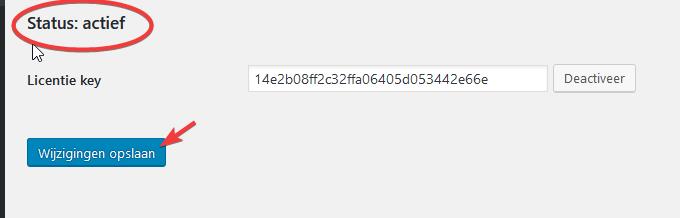
Go to Settings -> Courses -> Settings, under the Activate tab make sure the status of the license is “Activate“. If not, click on the Activate button. If the Activate button fails this means that the license key has already expired or is no longer valid. Get a new license by contacting Poppyz support.
Once the status is set to “Active” make sure to click on the Save Changes button to update your saved license in Poppyz.