We have created a layout that enables you to very easily set up a sales page. The layout for the sales page is well suitable for promoting and/or selling a course or service. The layout contains the right flow and modules for a strong and persuasive landing page.

Importing the layout
In order to use the layout, you have to download and import it first. Follow this step-by-step guide.
1. Download the sales page layout and unzip the file
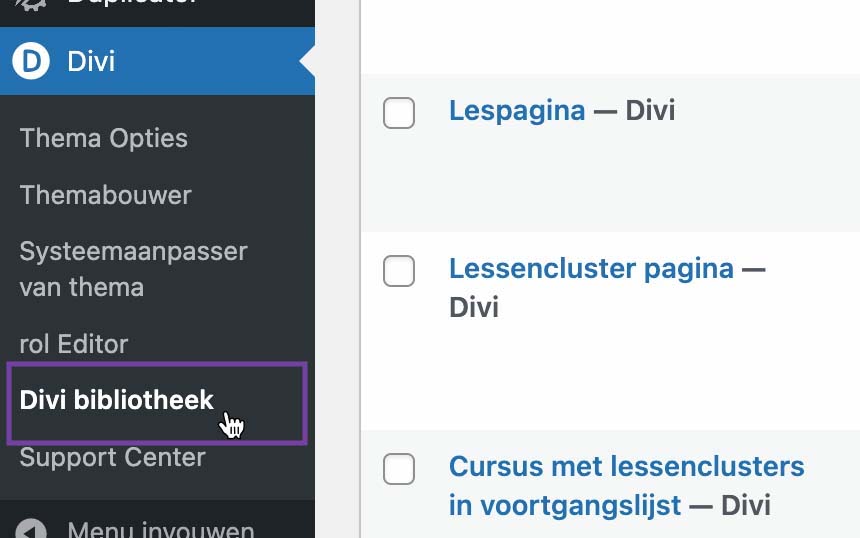
2. In WordPress, go to Divi > Divi Library
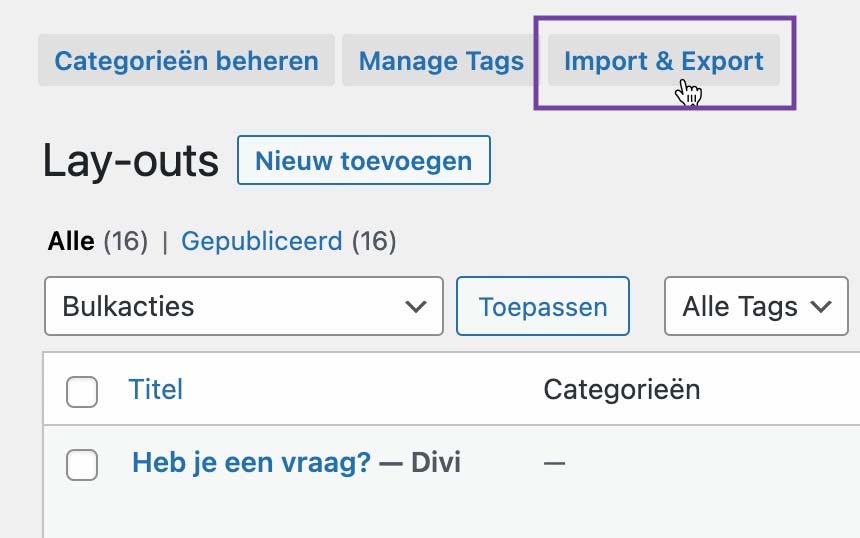
3. Click on ‘Import & Export’ at the top of the page
4. Click on the ‘Import’ tab
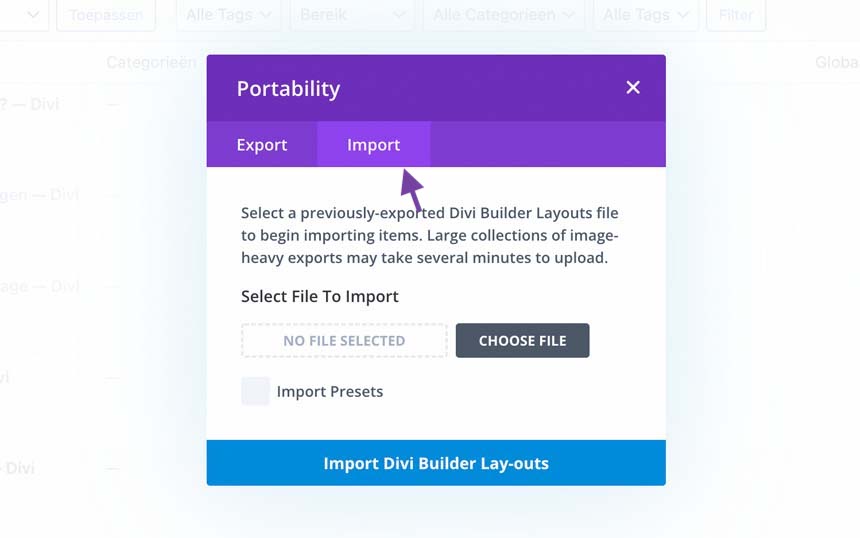
5. Click ‘Choose file’ and select the Salespagina layout.json file you’ve downloaded

6. Click on ‘Import Divi Builder Layouts’
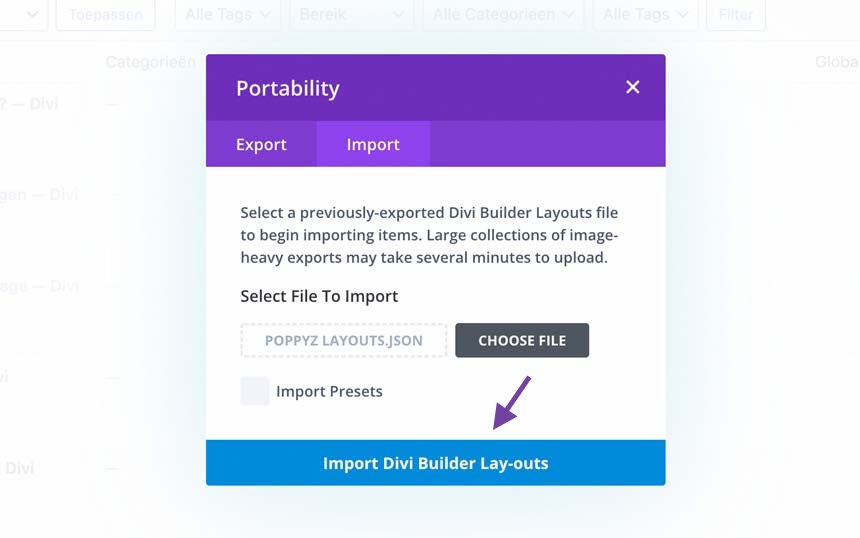
The layout is now imported and can be found in your Divi Library. You can now start applying the layout to a page.
Applying the layout to a page
As soon as you’ve imported the layout, you can apply it to a page. You can do so on a new page as well as an existing page.
The steps
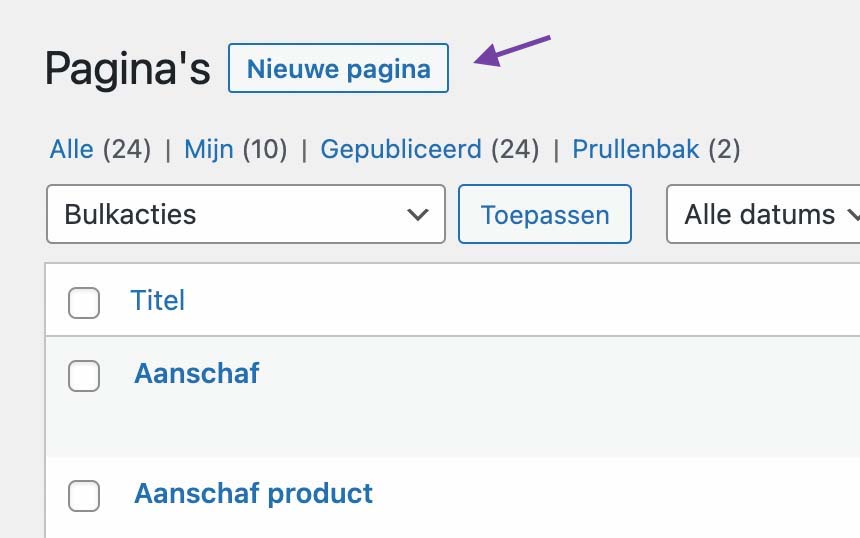
1. Add a new page, or open an existing page for which you want to replace the contents. Note: by applying the layout to an existing page you will overwrite all existing content of that page.
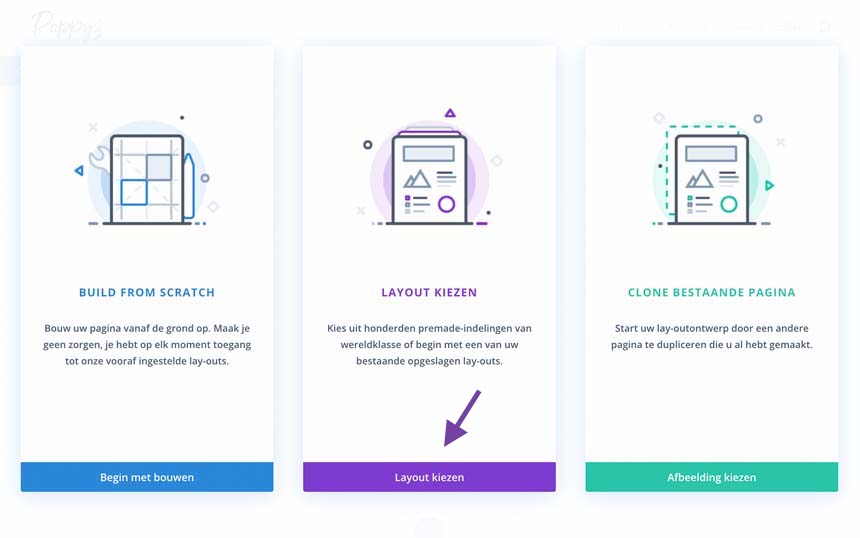
2. For a new page: click ‘Choose layout’.
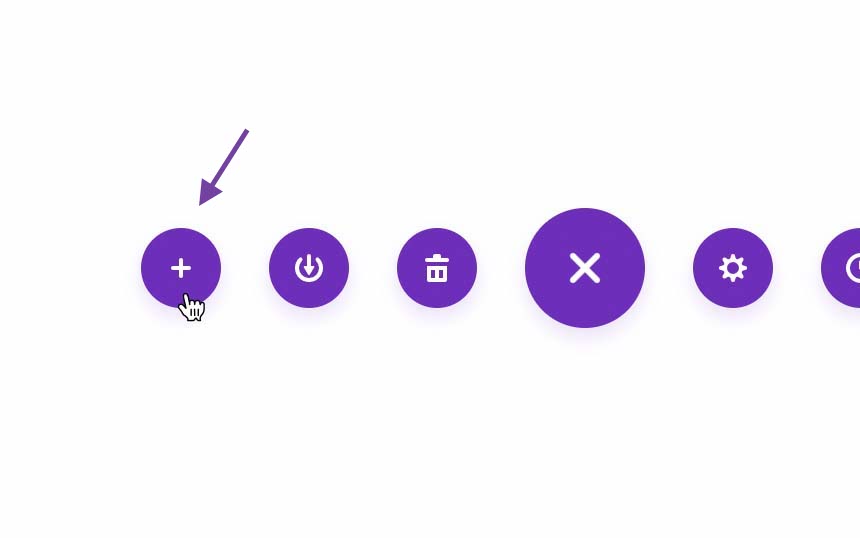
For an existing page: open the page with Divi and click on the ‘plus’ icon at the bottom of the page.
3. Click on the ‘Your saved layouts’ tab and select the ‘Salespagina’ layout. You can also search by layout name on the left.
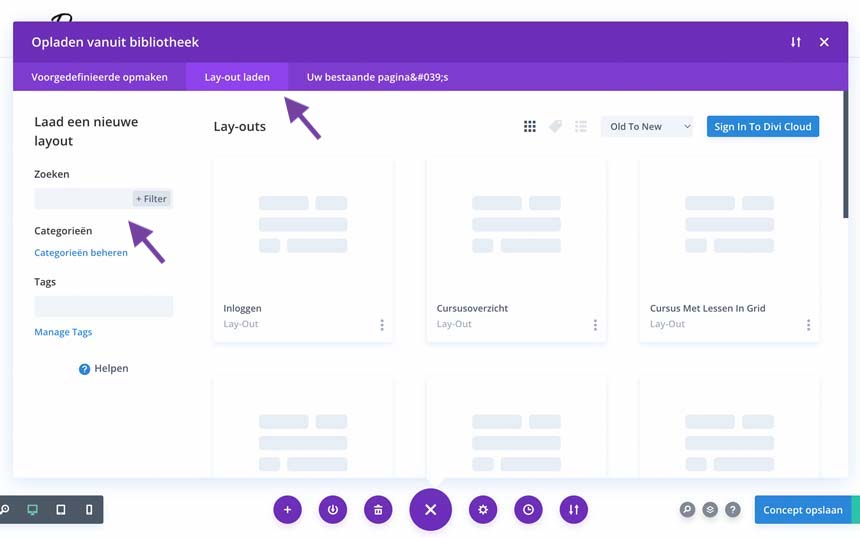
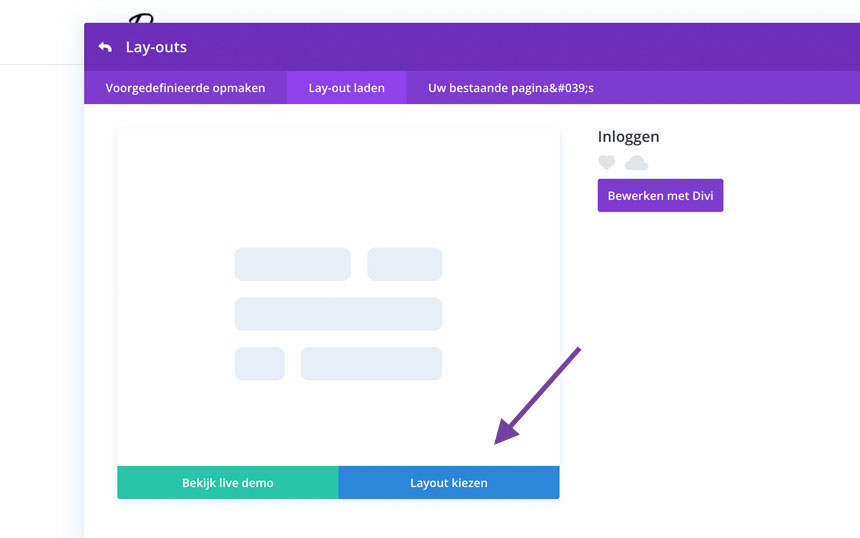
4. Click ‘Use this layout’ to load the layout onto the page.
5. Edit the layout to your liking and when you’re done click ‘Publish’ at the bottom right.